Reading Plan Starts Today

Keith Kneeshaw
January 1, 2026
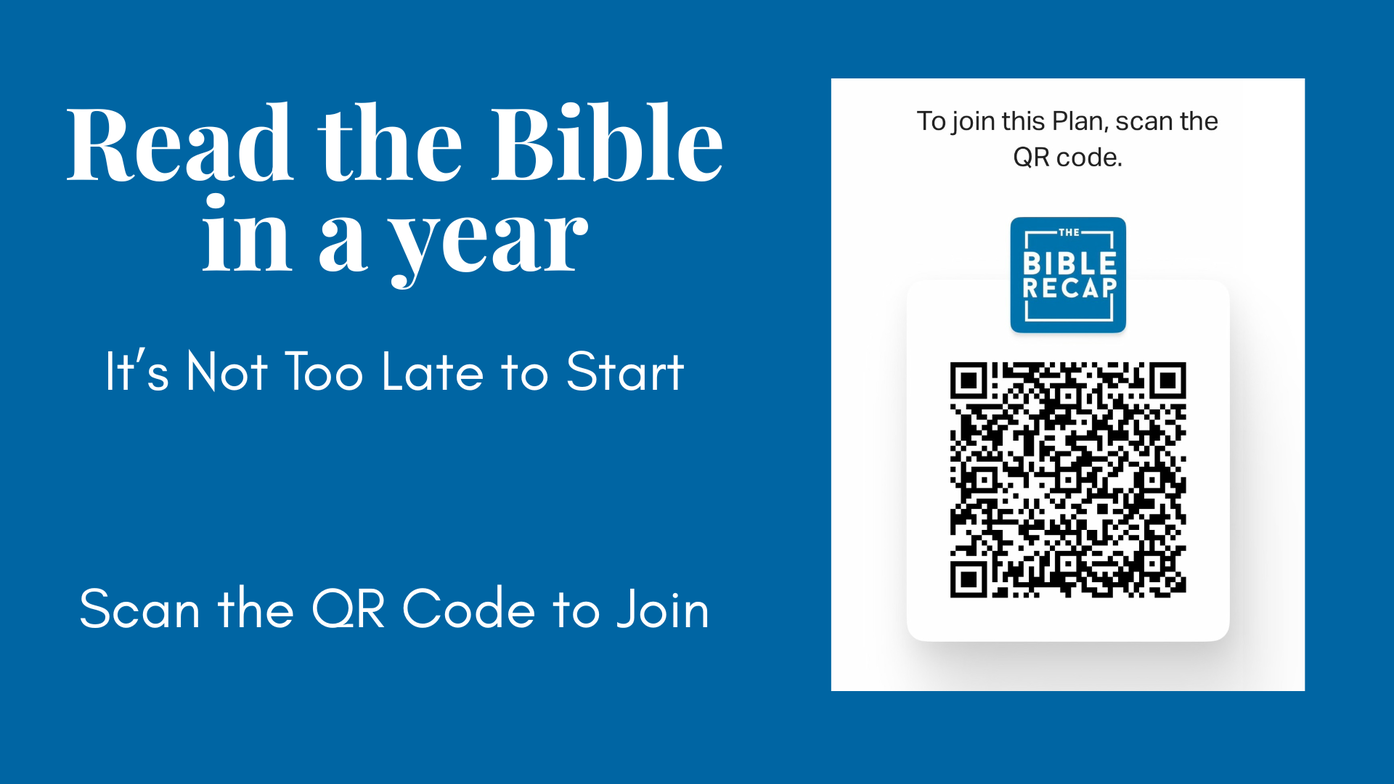
Special Note: Click here to join the Grace Point group on YouVersion, which will allow you to comment and see other people's comments. The invite will come from James Whitaker.
Options to Get Started:
- YouVersion App - Download the YouVersion Bible app on Apple, Android, or Kindle.
- YouVersion Website - Go to the Bible Recap reading plan on the YouVersion website.
- The Printable Version - Download the PDF of the Reading Plan. Or the Abbreviated Plan
How to Find the Reading Plan:
- Click here to accept the Invitation to the Grace Point reading plan group to comment and see what others are seeing as they read.
- If would rather not see comments, simply search for and select "The Bible Recap with Tara-Leigh Cobble" (365 Days)
- Click "Start Plan" once you find the one you want.
Each Day:
- Open the Plan and click on the appropriate day number.
- The "Devotional" is either background or some helpful explanation of the readings. Feel free to skip this and jump right into the readings.
- Click on each of the chapters for that day to read them.
- "Talk It Over" allows you to comment on things you learned from the reading or which verse stood out to you from the reading.
Reading in Community:
- Like we said above, you can Join the Grace Point reading plan group to comment and see what others are seeing as they read.
- Click here to let us know you are interested in being a part of a Discussion Group about the readings.
Helpful Discussion/Study Questions:
- Download questions that will aid your study and help discussions.